
01 · Timesheets
Logged from the phone.
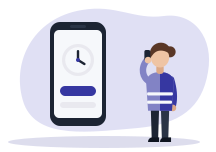
The employee opens the app, picks the job and logs time. No more crumpled paper sheets on Friday.
- Time logged from the mobile app
- Hours linked to the job site
- Meal allowances and travel zones
StrucTime Gestion · Human resources
Each employee logs time from their phone, on the job they work on. The manager approves the week, and payroll gets accurate hours, allowances and travel included.
01 · Timesheets
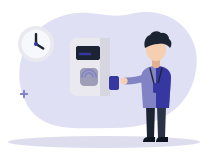
The employee opens the app, picks the job and logs time. No more crumpled paper sheets on Friday.
02 · Timesheets
The weekly grid shows everyone’s hours day by day. A gap shows before month end.

03 · Timesheets
The manager approves a week or sends it back with a reason. Approved hours go to payroll in an export.

With the other modules
The same entry serves payroll, job tracking and the comparison with the schedule.
1
The employee knows where they work.
2
Hours, allowances and travel arrive the same day.
3
The manager approves or sends back.
4
Hours go to payroll and stay linked to the job.
Questions
Yes. Each employee logs their hours from the mobile app, on the job.
Approved hours come out in an export intended for payroll.
In the demo we log a job site day on the phone and find it in the payroll export. Timesheets are included in the subscription.